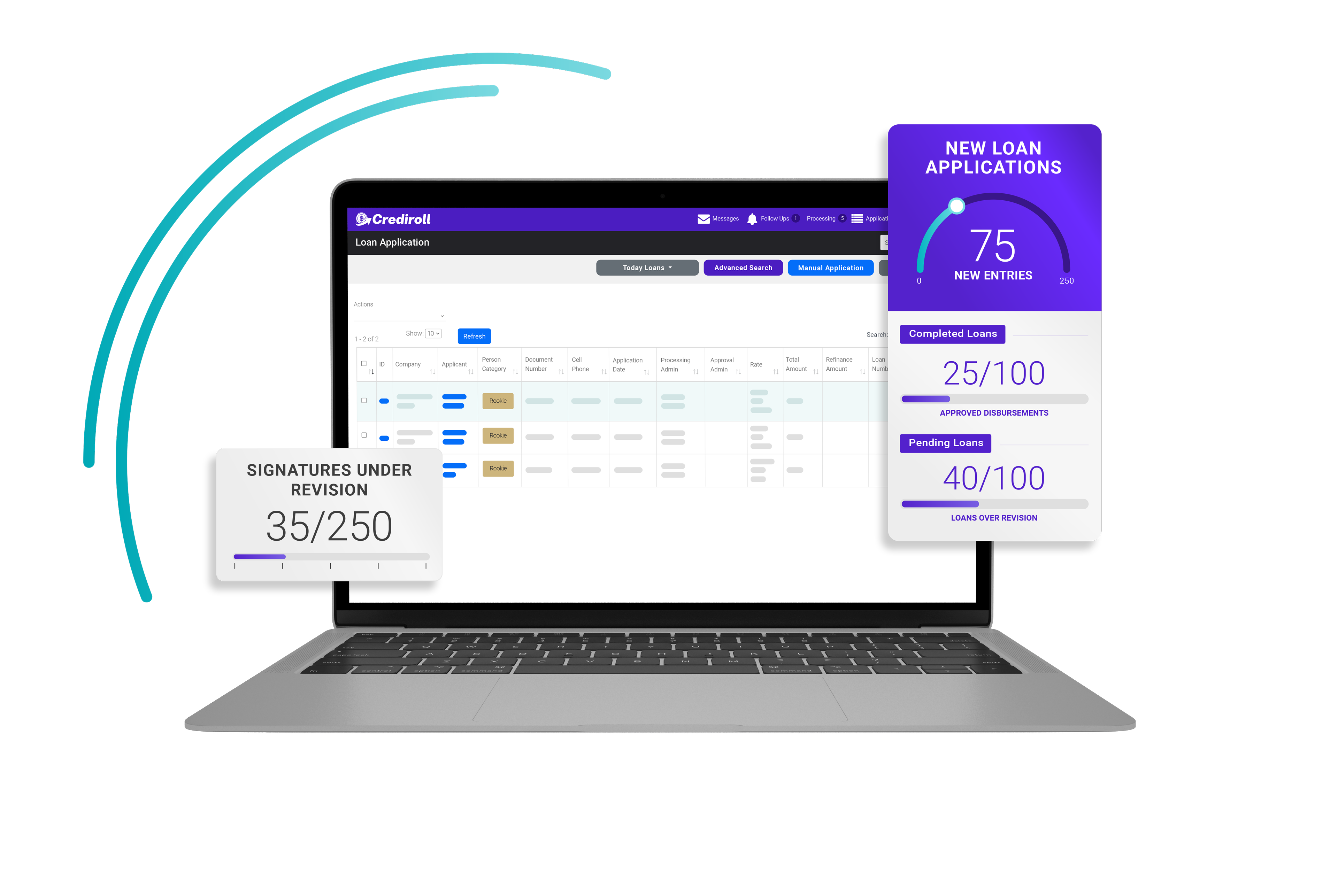
Solutions: Digital Onboarding
Give Your Lending Team a Better Starting Point
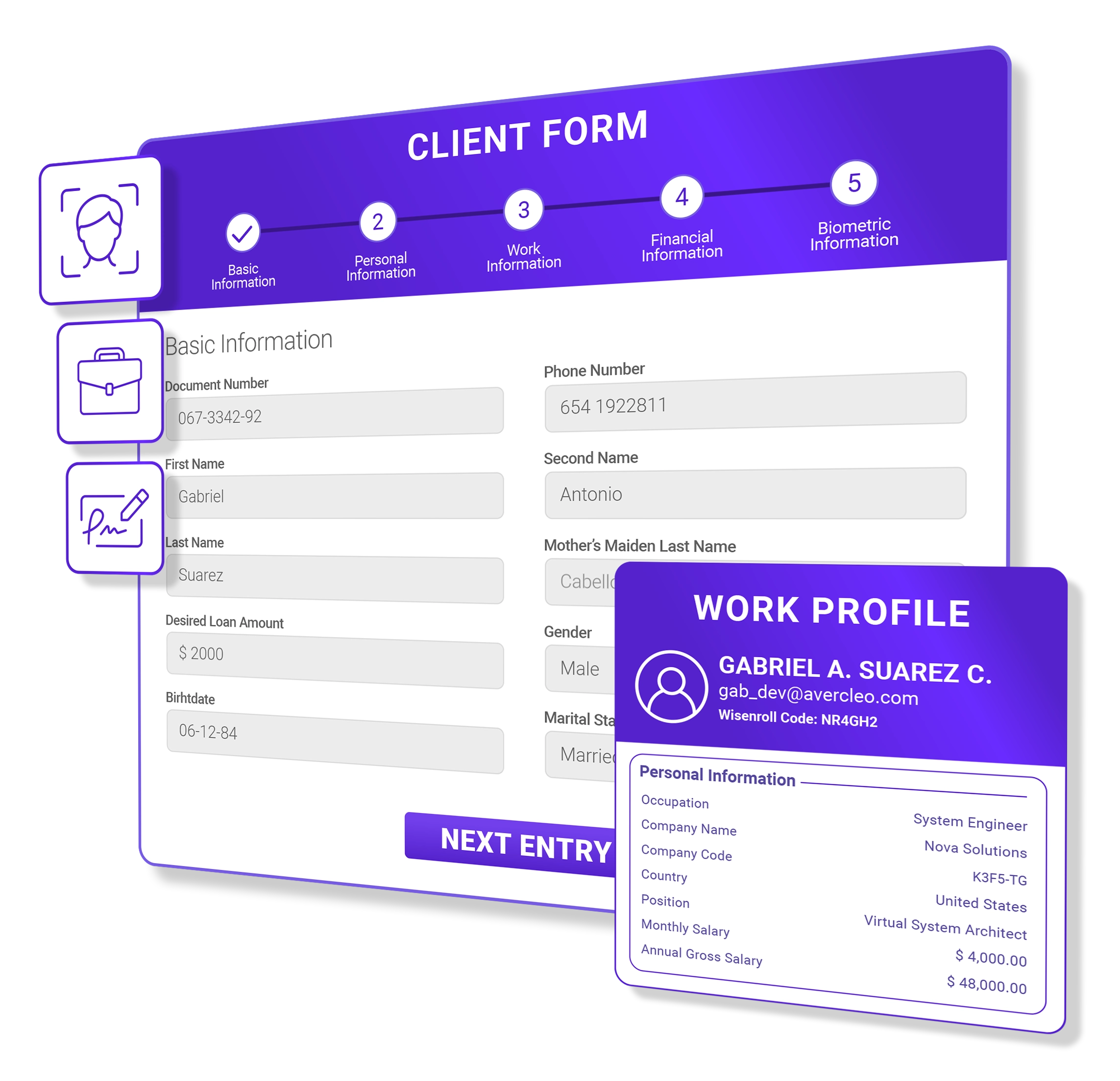
Collect borrower, employment, financial, document and identity information through a guided onboarding experience, so your team can review each applicant with more complete information.
Request demoHow Digital Onboarding Works
Collect the Right Information From the Start
Crediroll guides borrowers through a simple onboarding experience, collecting the information, documents and identity evidence your lending team needs to review each application.
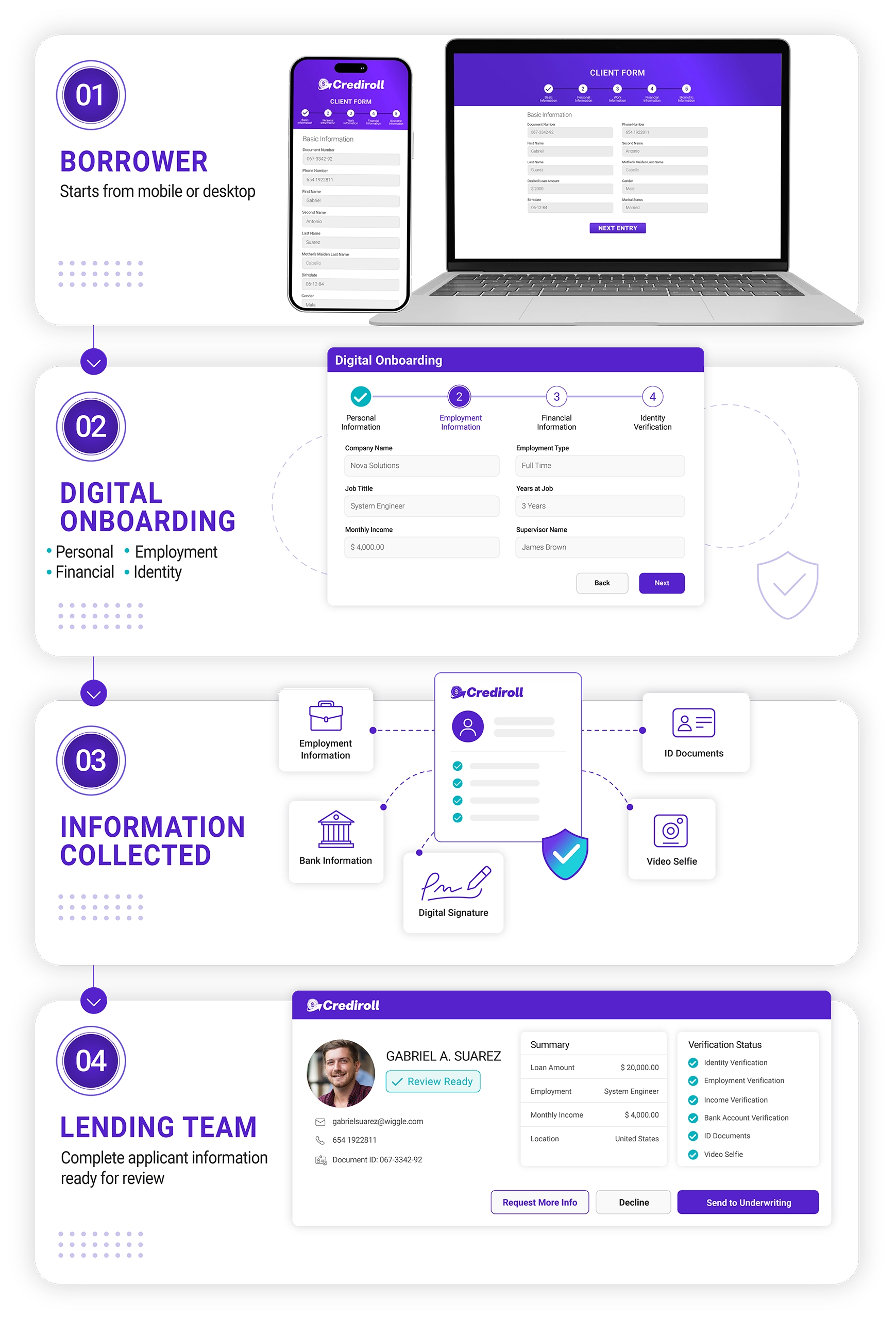
One Onboarding. The Information Behind the Decision.
Collect the information your lending team needs
Collect the personal, employment, financial and identity information your team needs to understand each applicant before making a lending decision.

Personal Information
Capture contact, residential, marital and other applicant information required by your lending process.

Employment & Payroll
Collect company, position, employment date, salary, payment method, payment frequency and other employment data.

Financial & References
Capture financial and reference information that supports your evaluation and repayment processes.

Documents & Identity
Collect identification documents, images, signatures and other identity evidence required by your process.
Configure What You Need
Built Around Your Lending Requirements
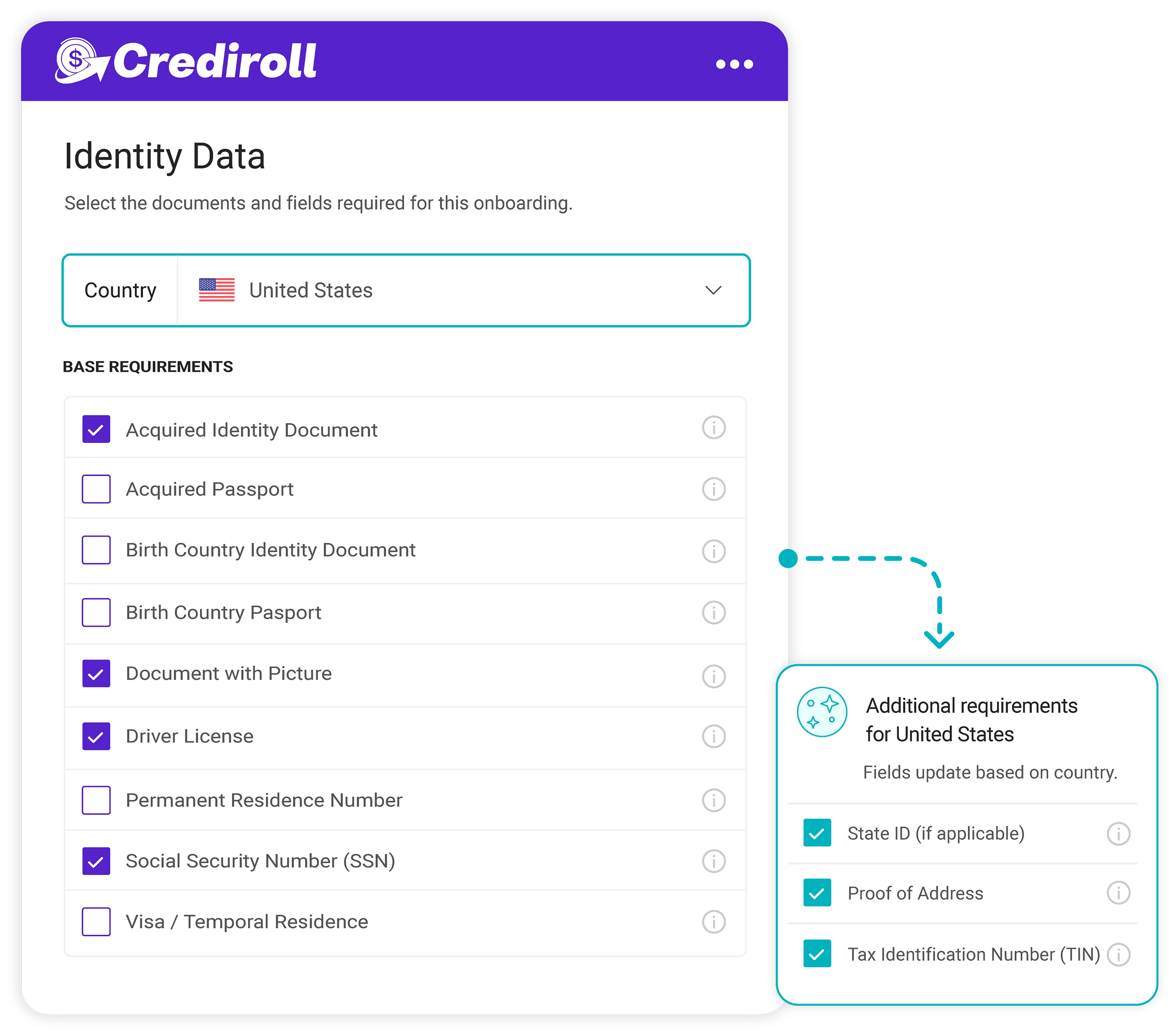
Every lending operation has different requirements. Configure what borrowers need to provide based on your market, process and lending criteria.

Country-Specific Requirements:
Configure different information and document requirements based on the borrower's country.

Conditional Fields:
Show additional information only when it becomes relevant to the applicant, such as spouse information when the borrower is married.

Required Documents:
Define which identification and supporting documents borrowers need to submit for each lending process.

Guarantors & Collateral:
Collect guarantor and collateral information and documentation when additional support is required for a loan.
Make Onboarding Easy to Access
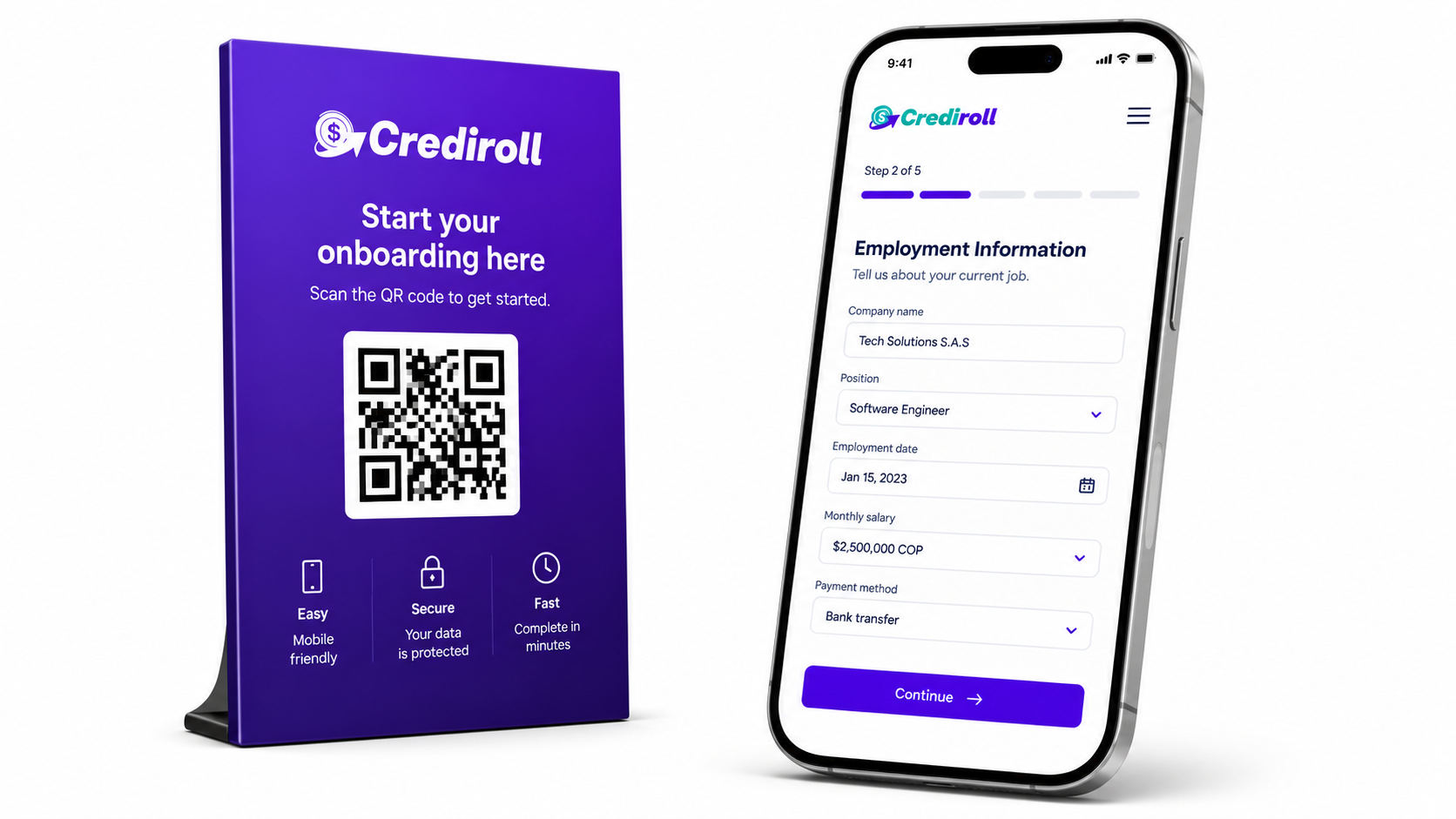
A Simpler Way for Borrowers to Get Started
Give employees a clear and accessible path to onboarding, from the device and location that works best for them.
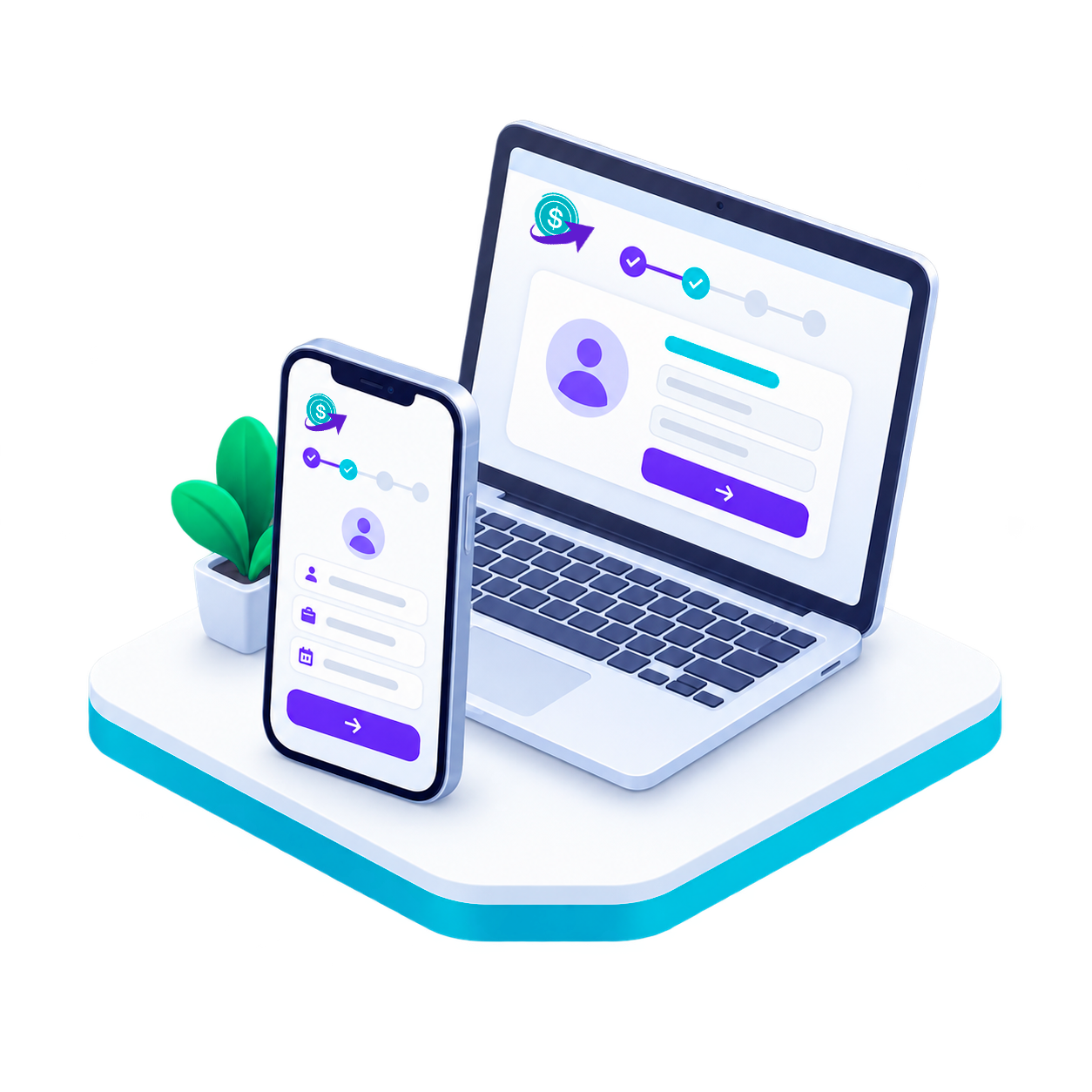
Mobile & Desktop
Complete onboarding from a phone, tablet or computer.

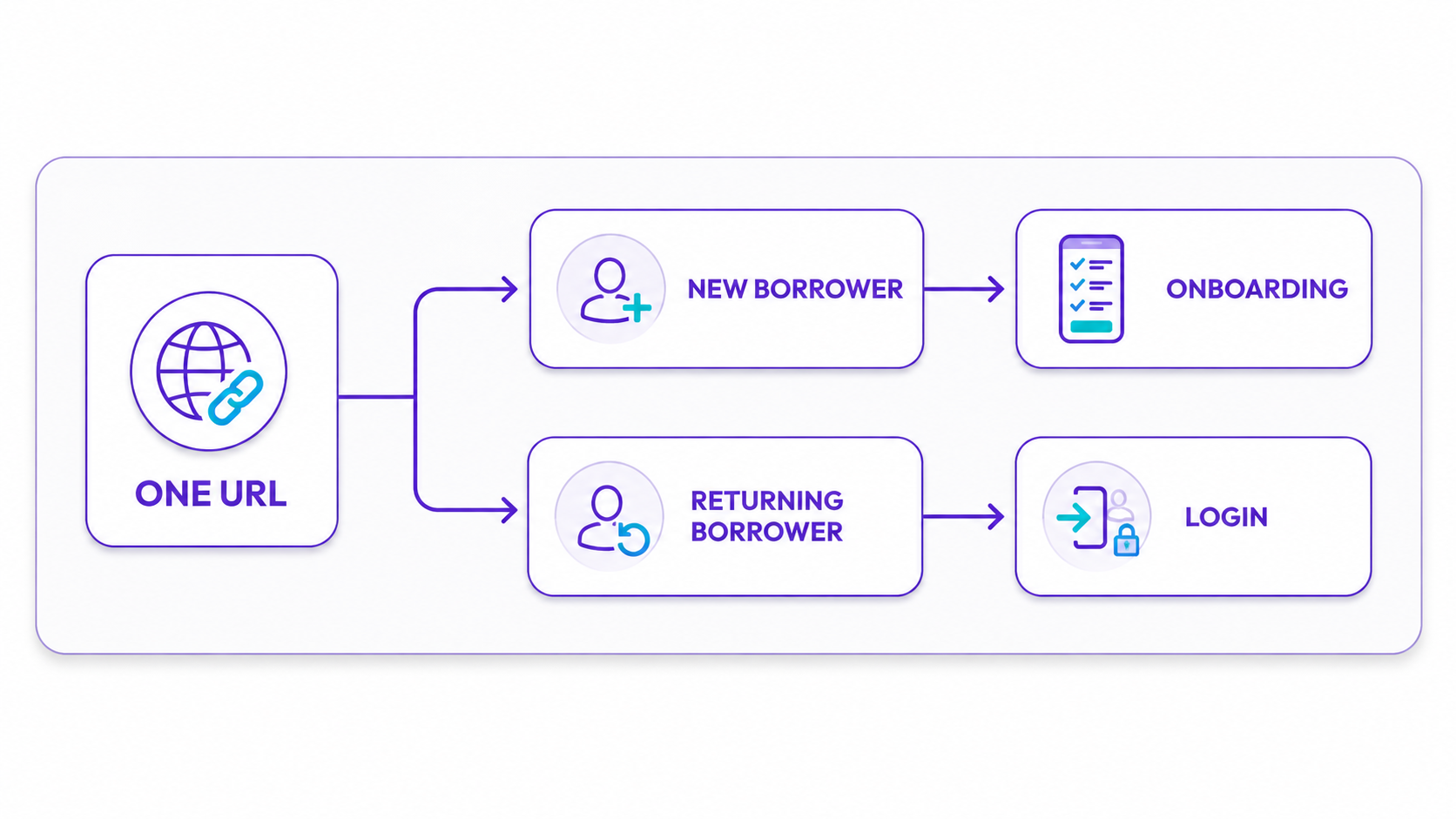
One URL
One access point takes new borrowers to onboarding and returning borrowers to their account.
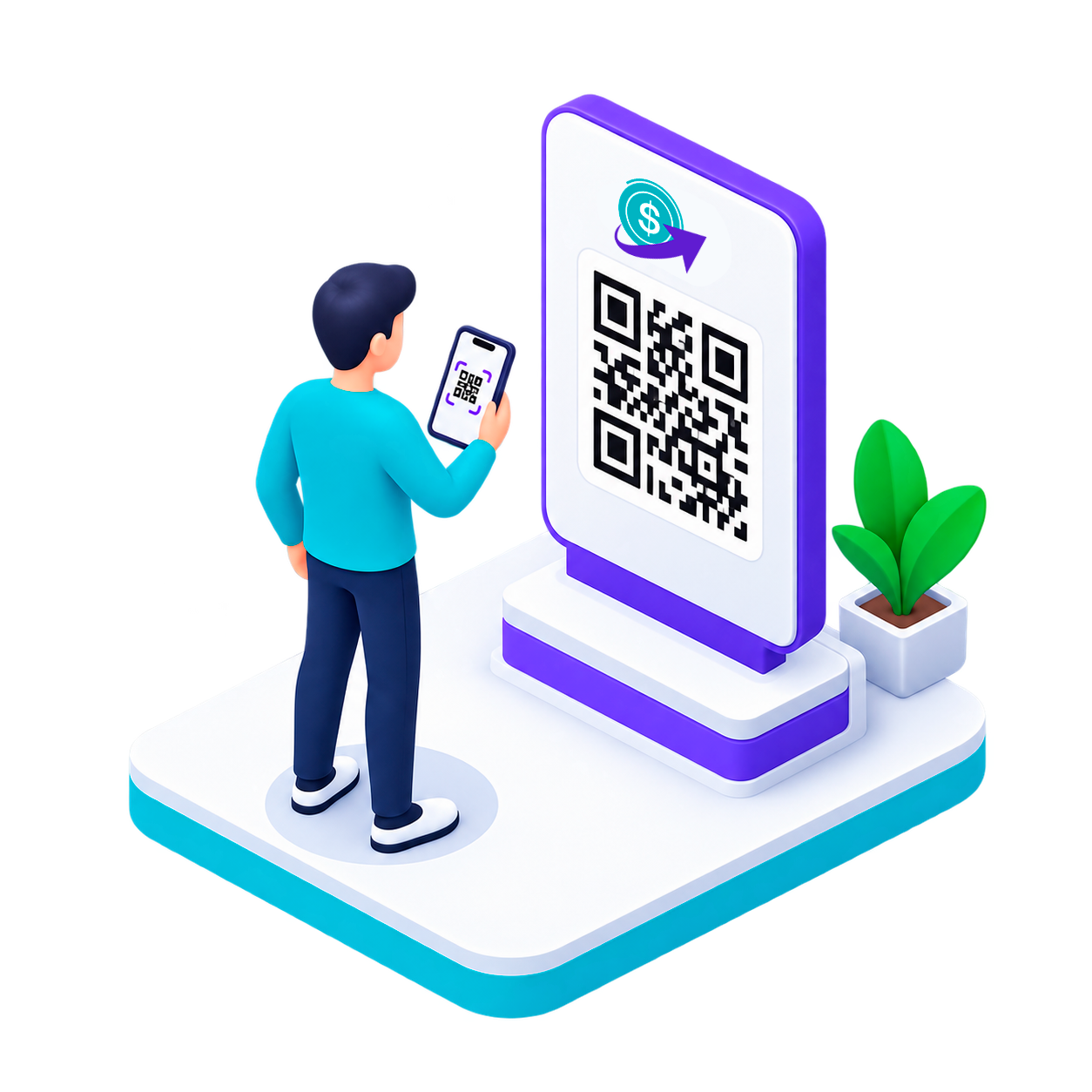
QR Access
Employers can share the onboarding link through QR codes in offices, branches or employee communications.
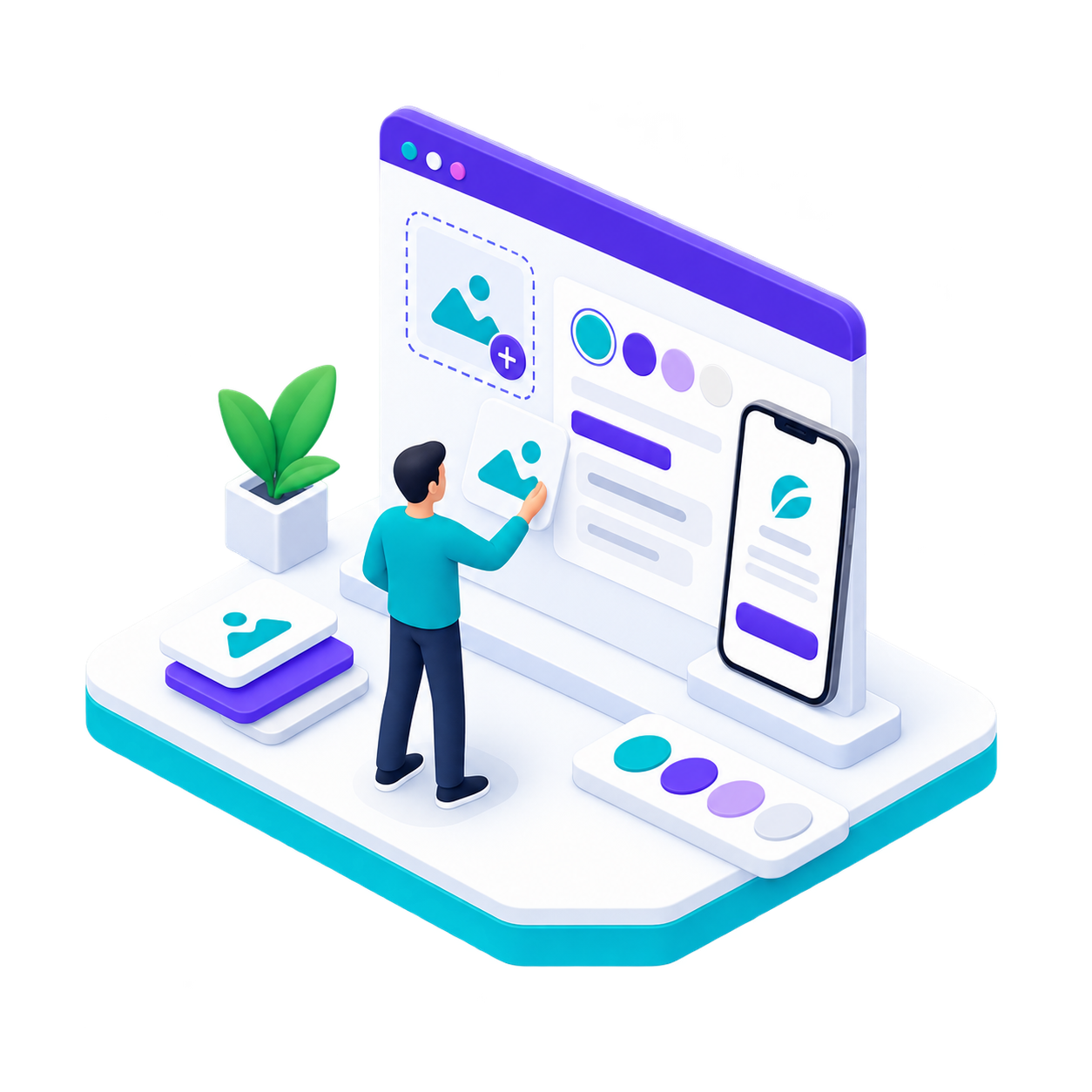
White-Label Experience
Customize the onboarding experience with your logo, background and brand identity.
Guide Borrowers Through Every Step
Guide borrowers with clear steps, flexible inputs, and a seamless onboarding experience.
1.
Stepper Bar
Borrowers always know where they are and what comes next.
2.
Guided Steps
Clear instructions help applicants complete each required step.
3.
Digital Signature
Allow borrowers to complete required signatures digitally.
4.
Flexible Submission
Capture information, documents and video directly from the device or allow users to upload files when applicable.
Automate Onboarding Communications
Keep Applicants Moving Without Manual Follow-Up
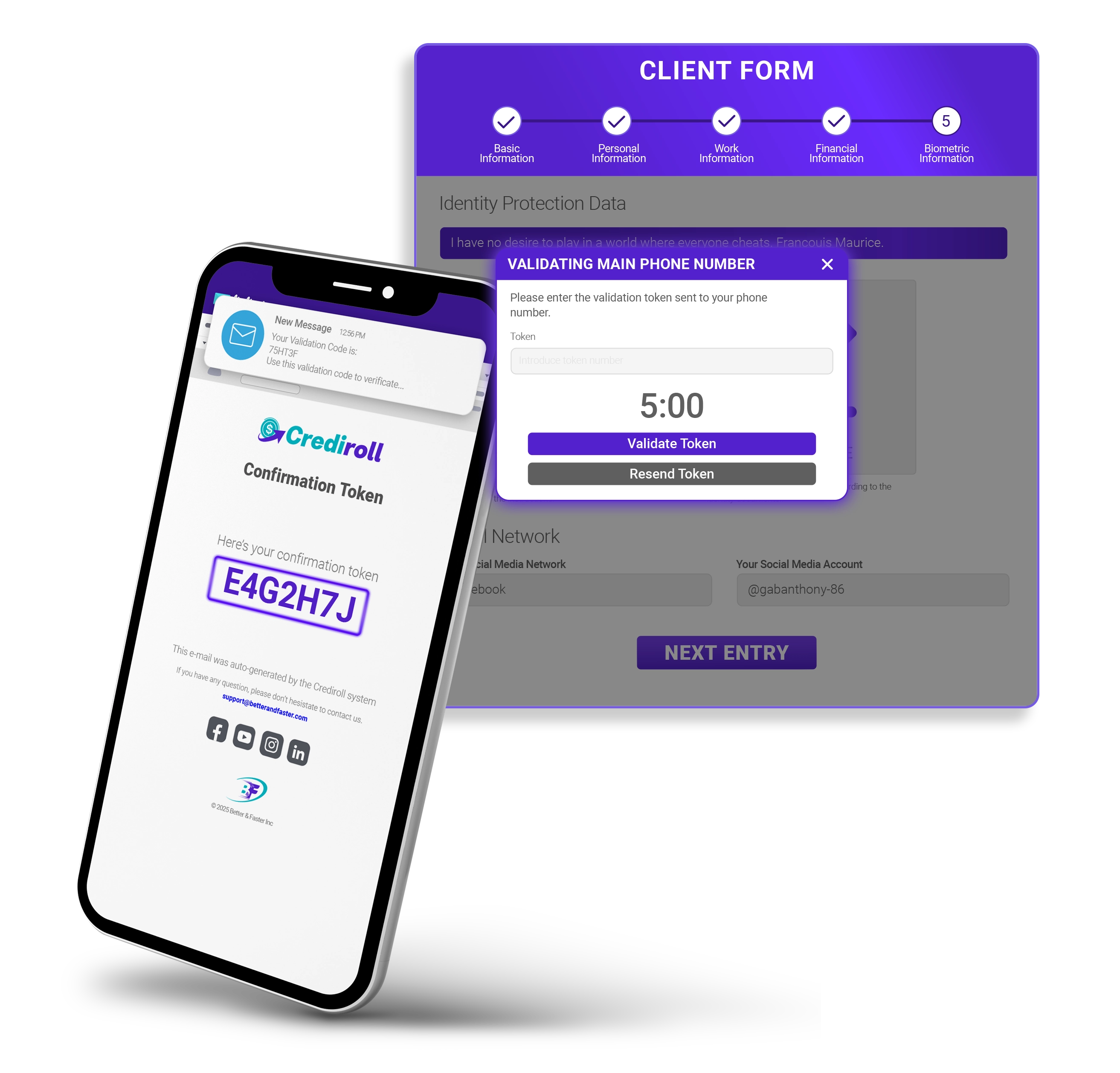
Automate the communications required throughout onboarding, from phone and email verification to account credentials and status updates.
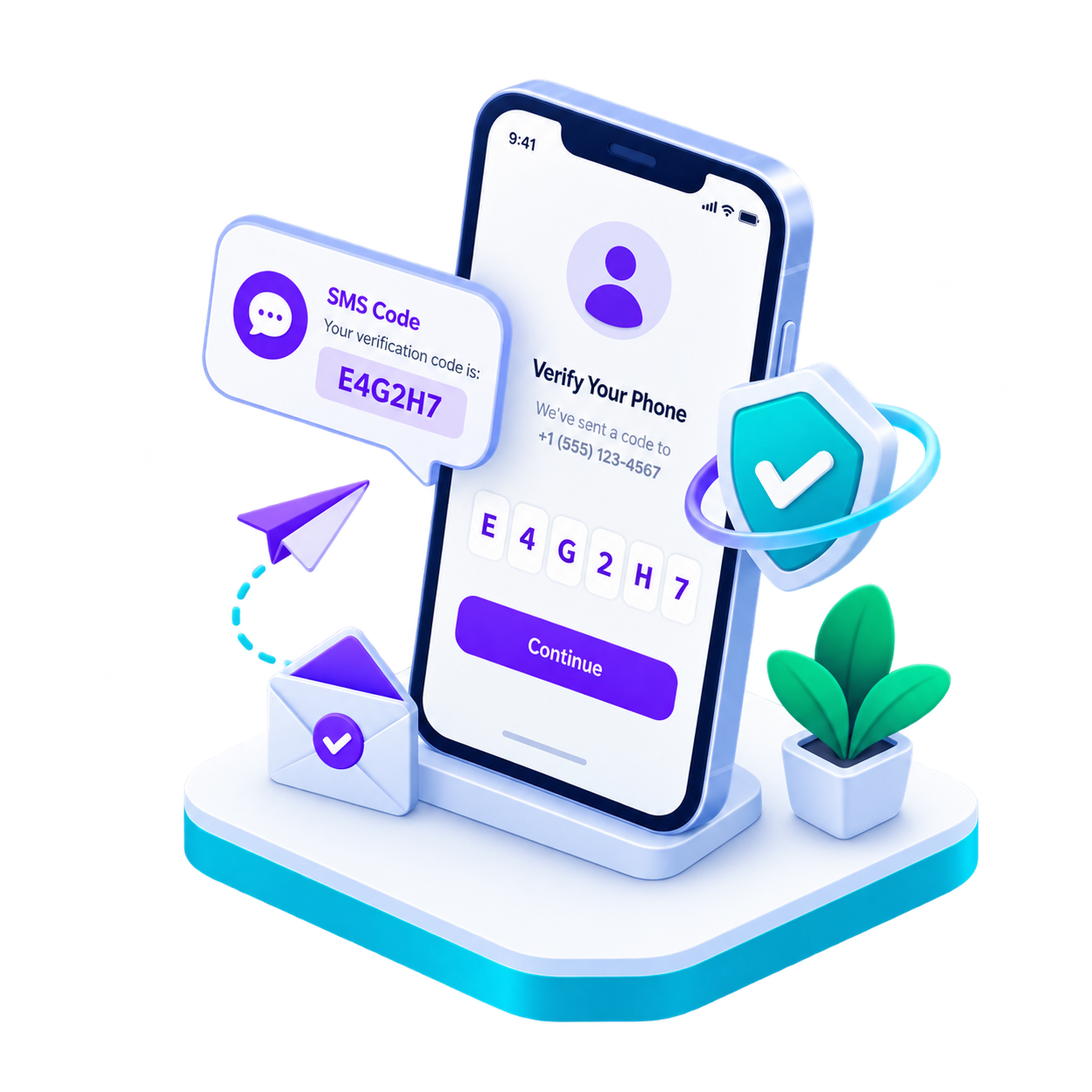
SMS Verification
Send verification tokens to confirm the applicant's phone number.
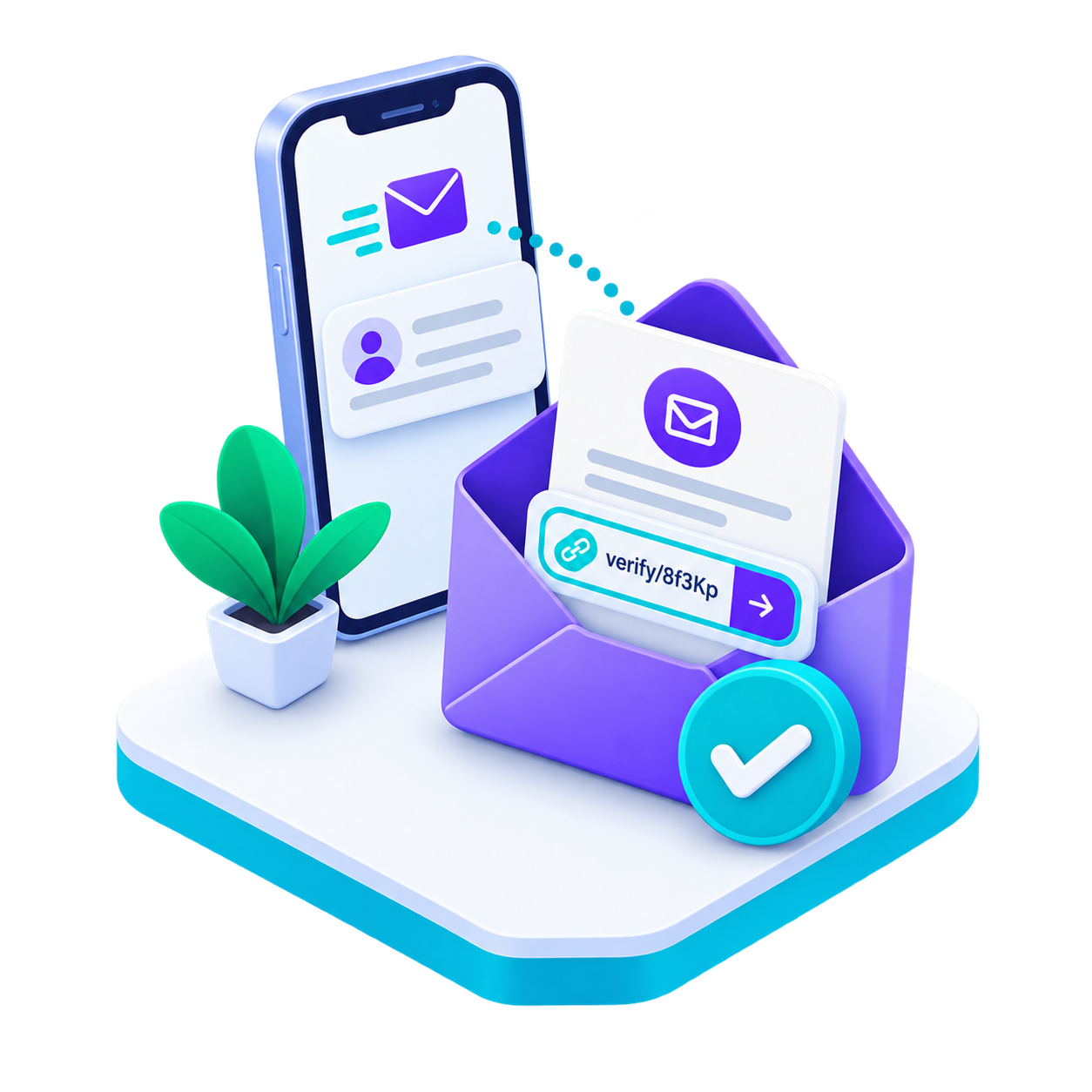
Email Verification
Automate email verification through links or verification codes.
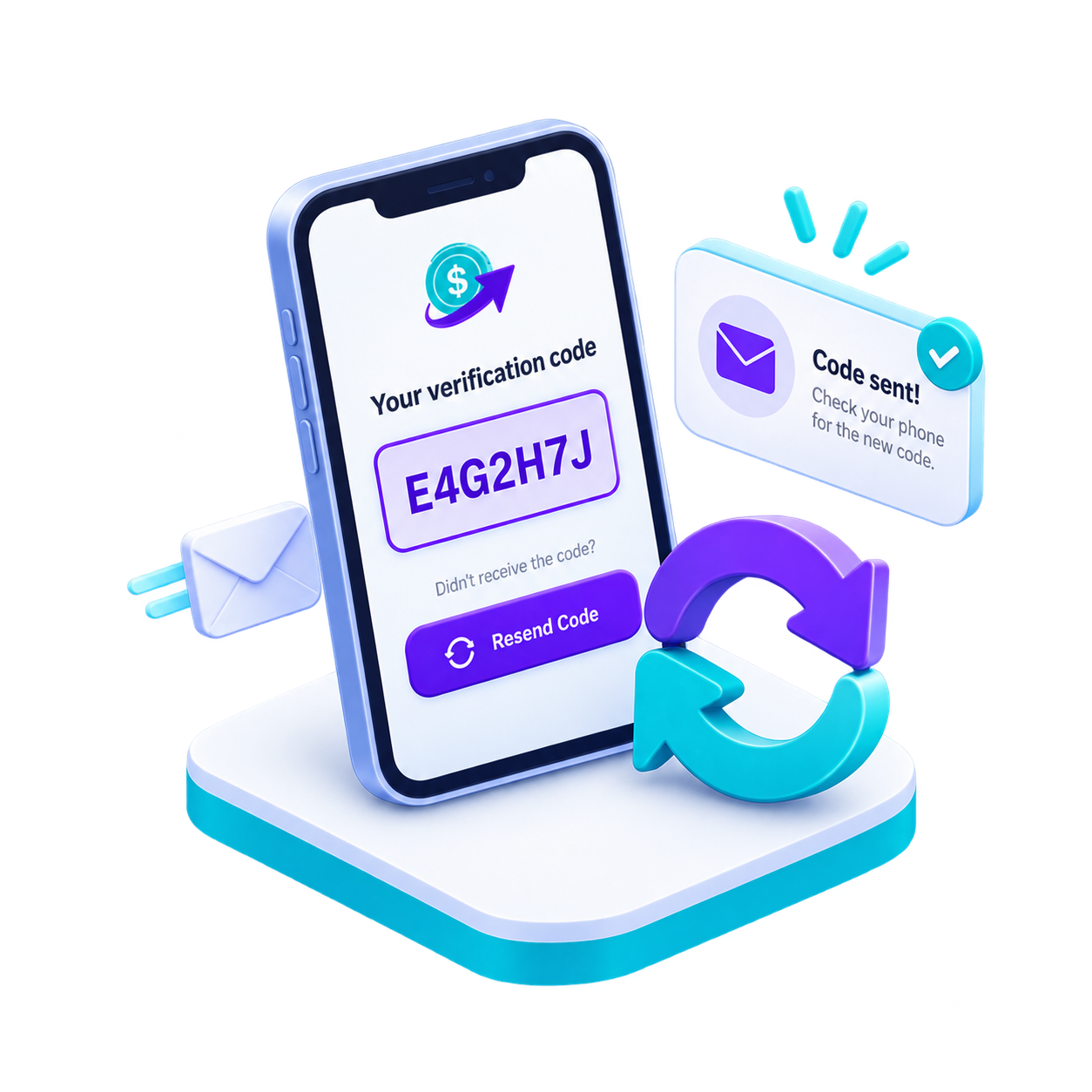
Resend Verification
Allow applicants to request a new verification code when needed.
Automated Credentials
Deliver account credentials automatically through email.
Capture Identity Protection Data
Built-In Identity & Confirmation Tools
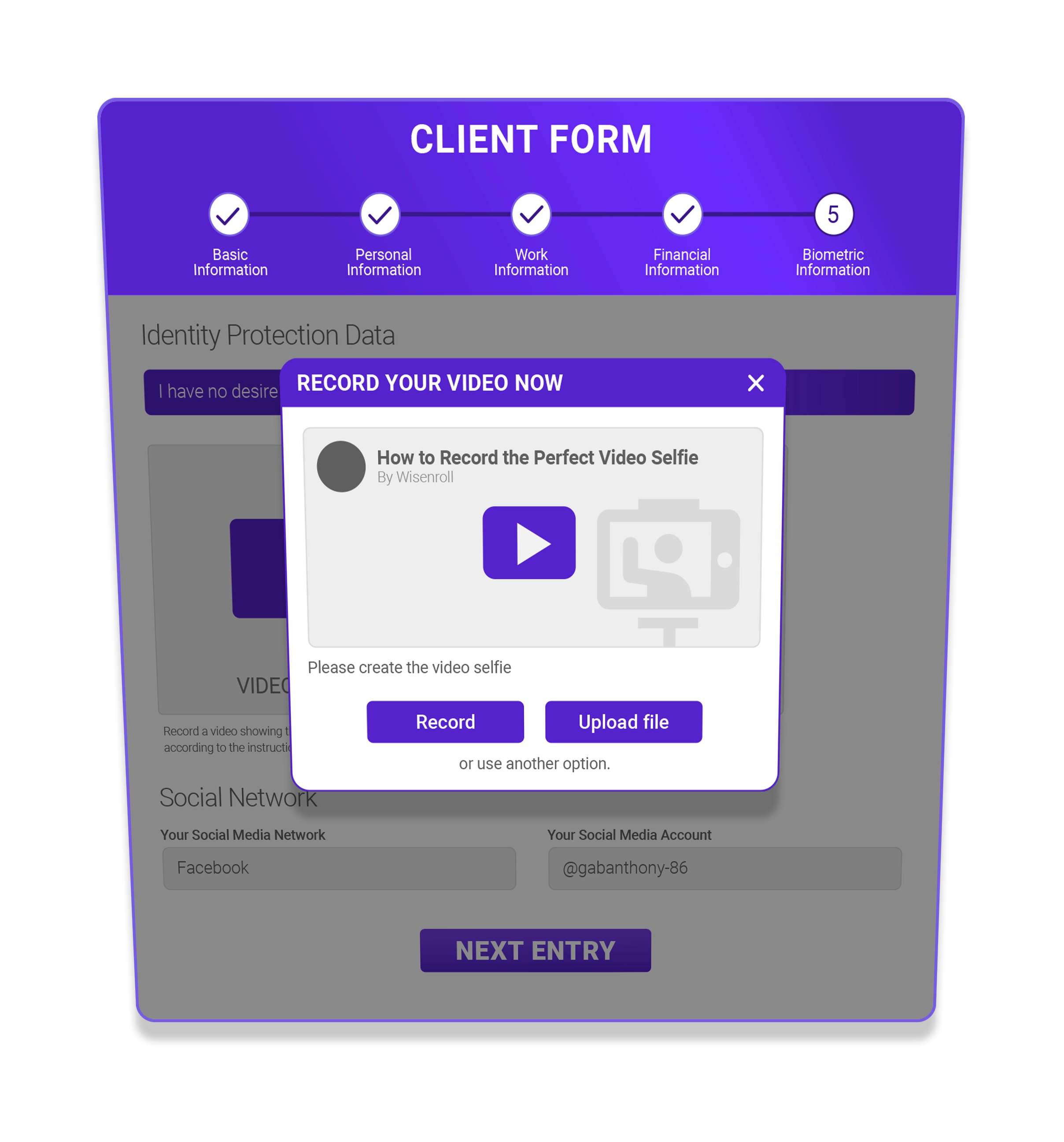
Capture the identity information and confirmation data your lending process requires, including video selfies, digital signatures and supporting identity evidence—all within the onboarding experience.
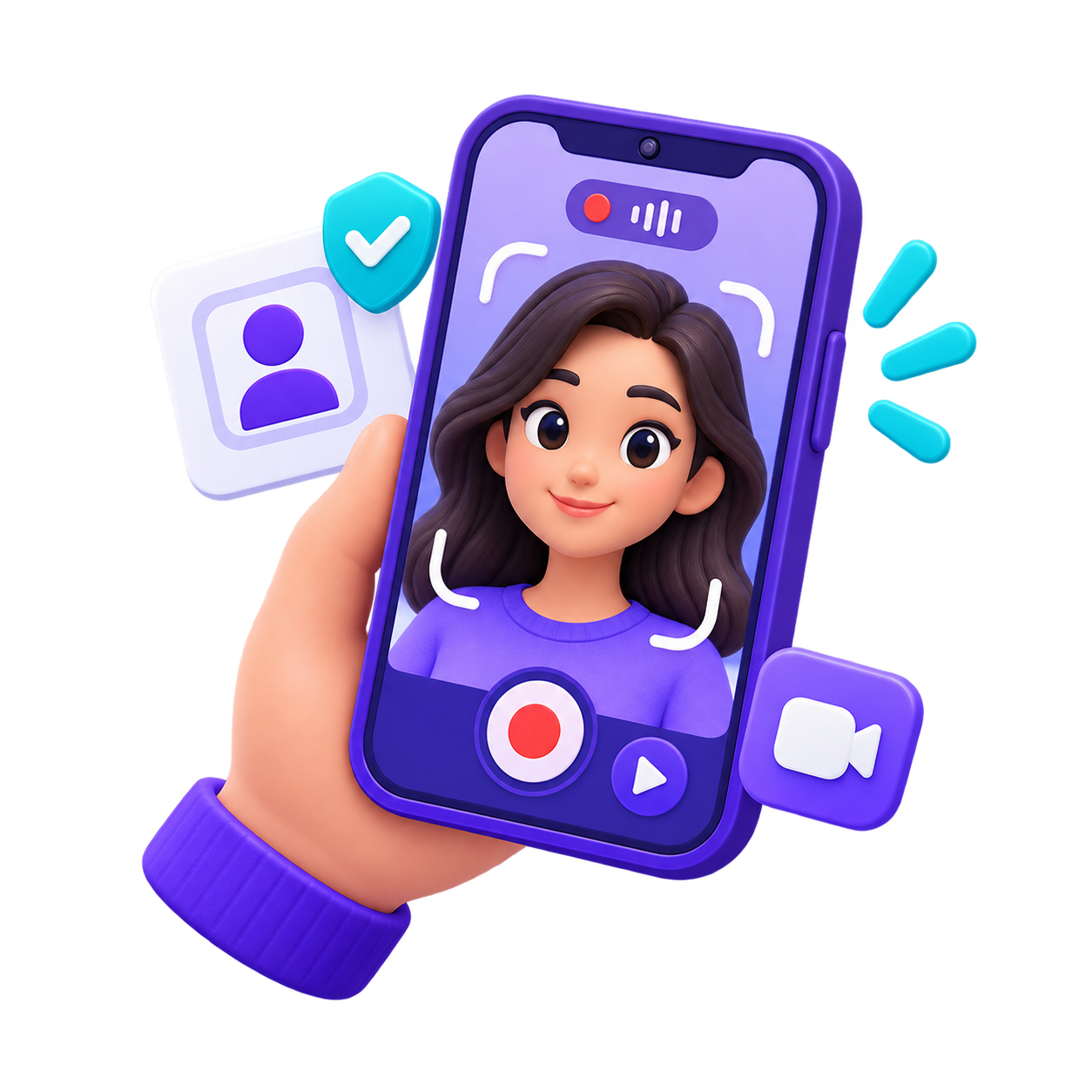
Video Selfie
Guide borrowers through a simple selfie video with an on-screen tutorial. They can record directly from their device or upload an existing video.
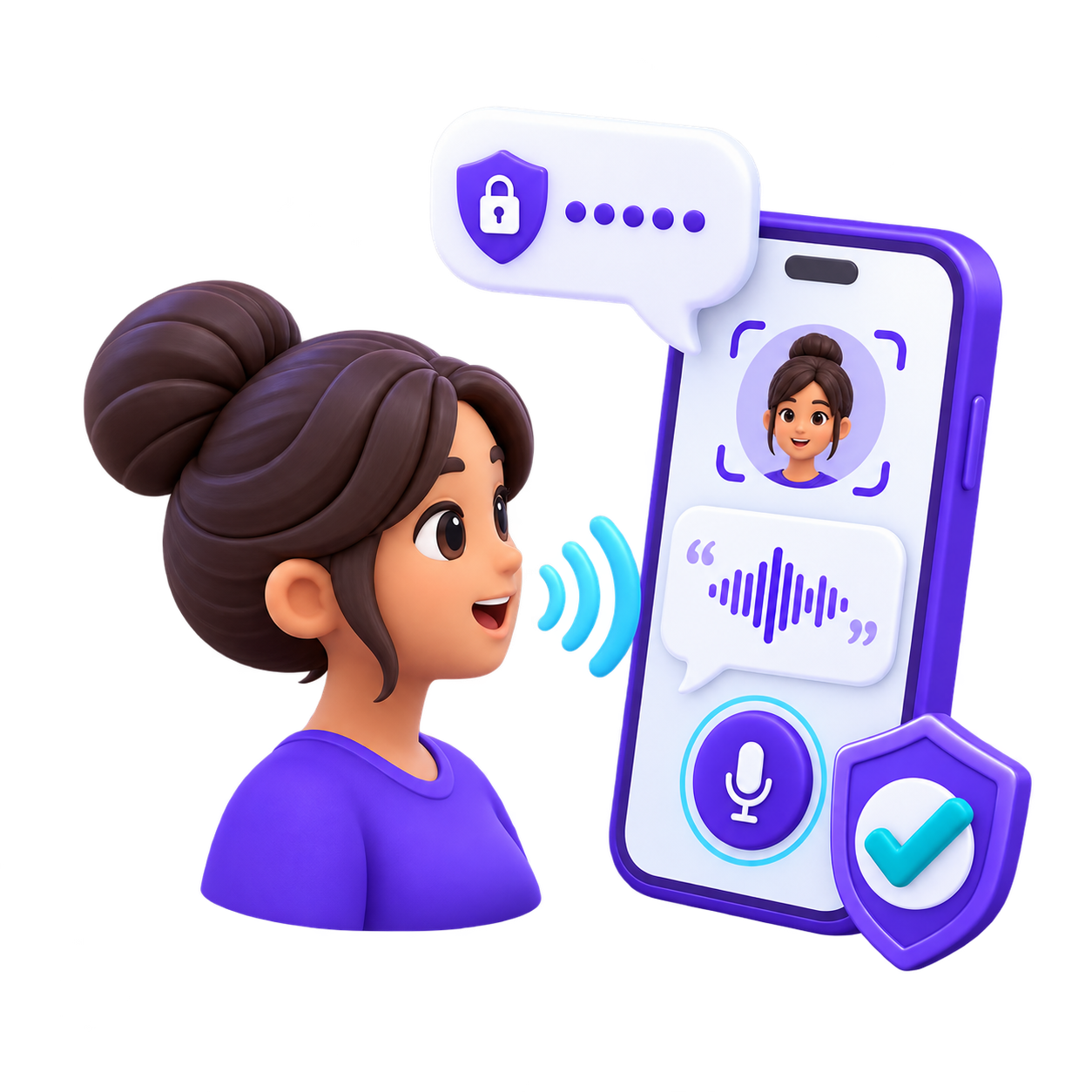
Security Phrase
Ask borrowers to repeat the phrase displayed on screen during the video, adding an additional layer of identity confirmation.
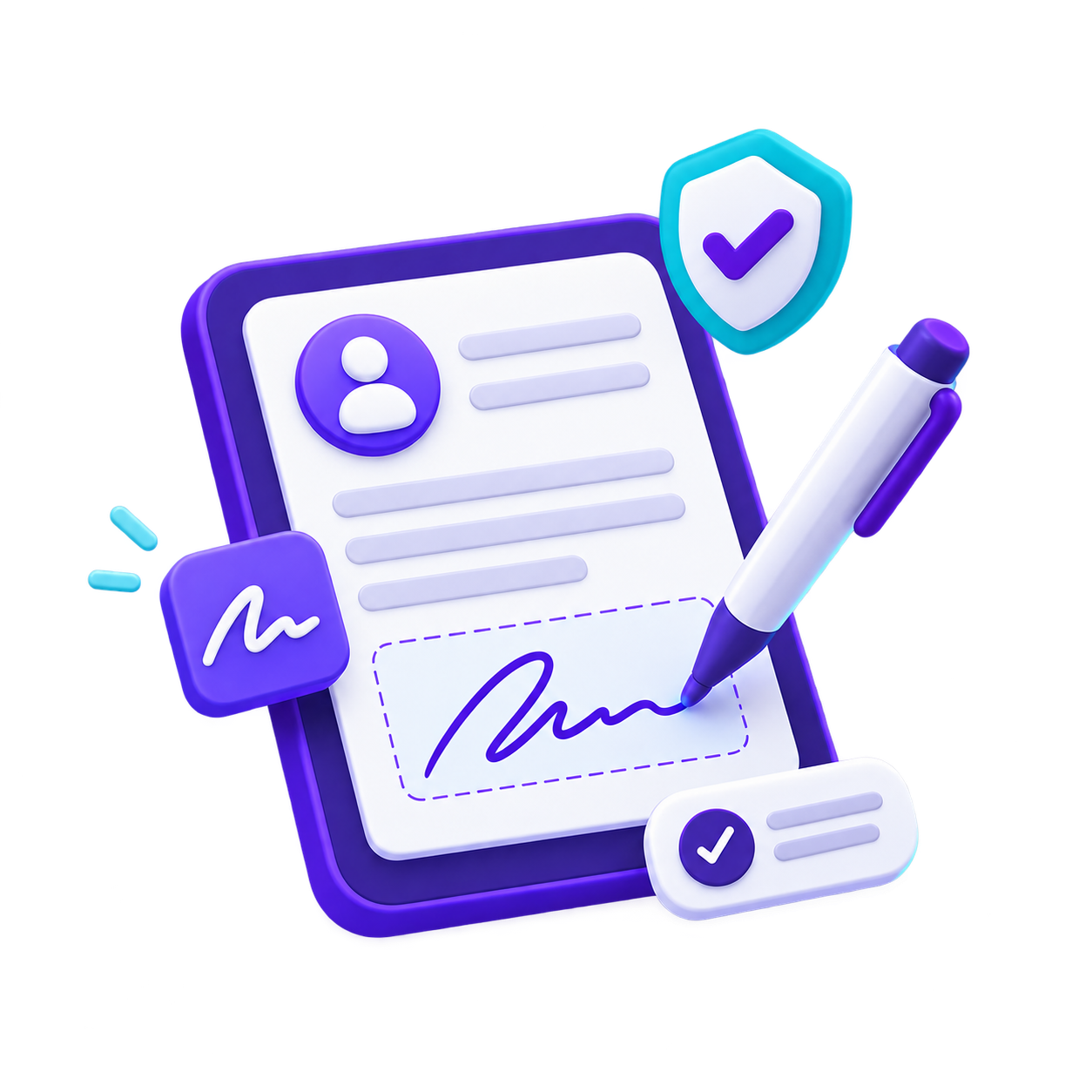
Digital Signature
Let borrowers provide their digital signature directly within the onboarding process.

Record or Upload
Give borrowers the flexibility to complete identity confirmation from their phone or computer, either by recording directly or uploading their video.
Want to Know What Makes It Possible?
Explore the Technology Behind Your Lending Operation
FAQ
Everything You Need to Know About Digital Onboarding
How does digital onboarding help my lending team?
Crediroll collects the personal, employment, financial, and document information your team needs to assess applications with greater context and make better-informed decisions.
What information can the onboarding process collect?
You can request personal and employment details, financial information, identity documents, references, and other information needed to evaluate each loan application.
Can I tailor forms and requirements to each market?
Yes. Configure fields, documents, and requirements based on the countries where you operate and your business needs. You can also set up conditional fields to request additional information when necessary.
Can applicants complete the application on mobile devices?
Yes. Applicants can complete the onboarding process on a smartphone, tablet, or computer, making it easy to access and submit applications from different devices.
Can I customize the onboarding experience with my brand?
Yes. Customize the experience with your operation’s visual identity and share access through links or QR codes to make it easier for applicants to start or resume their applications.
How does identity verification work after onboarding?
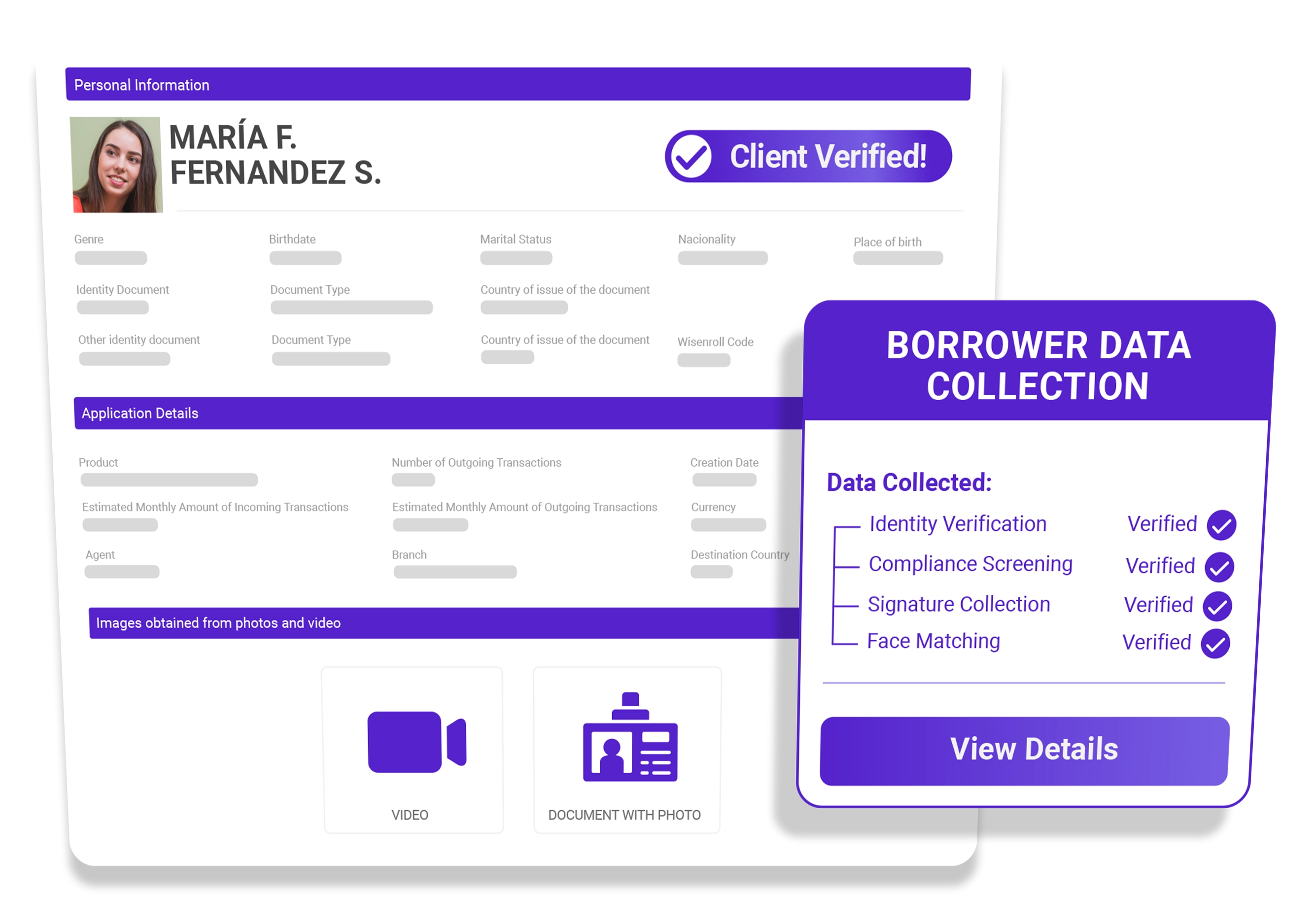
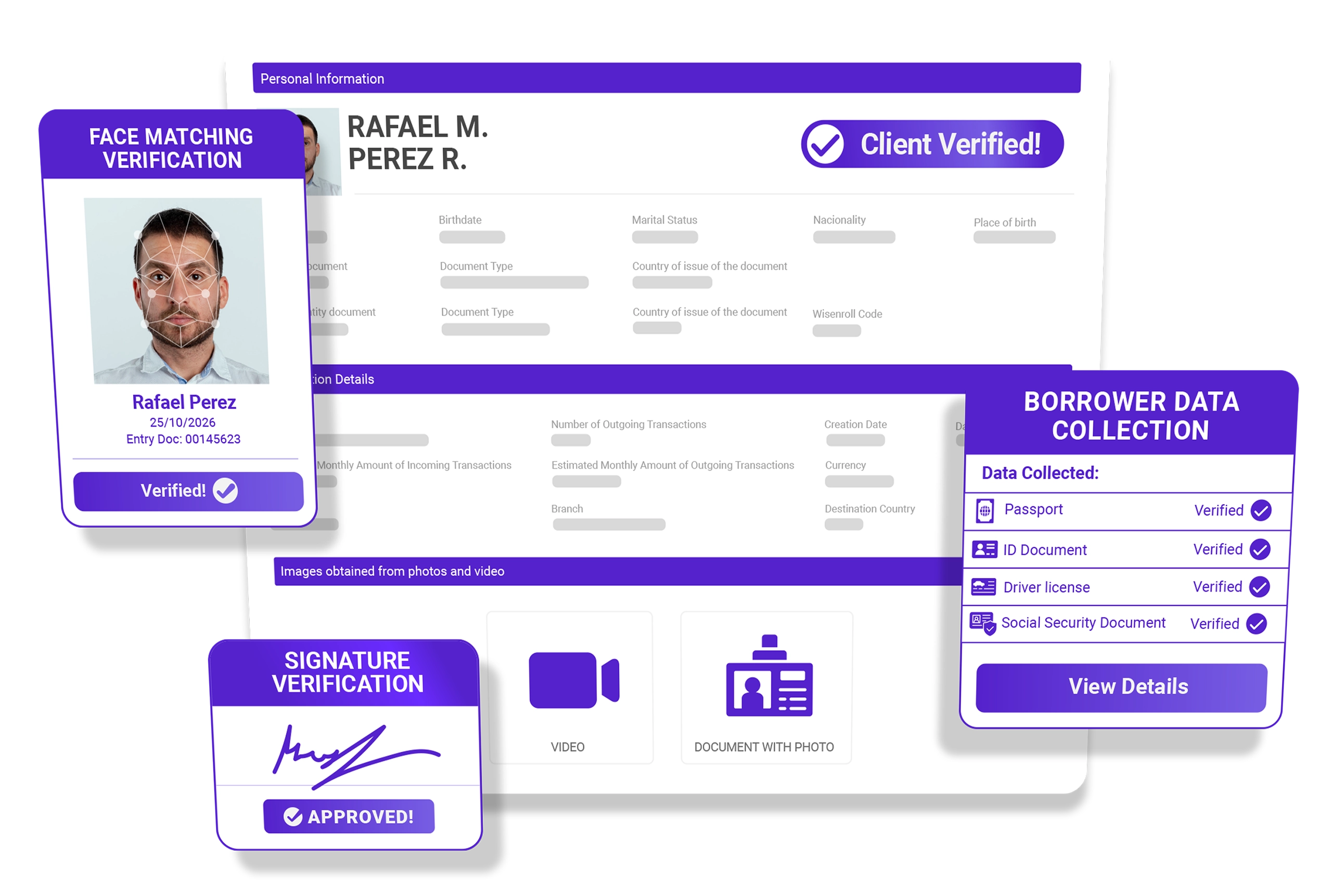
During onboarding, applicants submit their documents and record a video selfie. Once their employment has been verified and the loan application begins, Crediroll analyzes the documents, matches the face in the video against the applicant’s identity, and runs due diligence checks in the background. Results are available directly within the application, allowing your team to review them without interrupting the process.
Give Your Lending Team a Better Starting Point
Make it easier for borrowers to provide the information you need and give your team a more complete foundation for every lending decision.